Connect Apple Health
Bretho only writes Mindful Minutes for sessions you finish. It doesn't read any of your other health data.
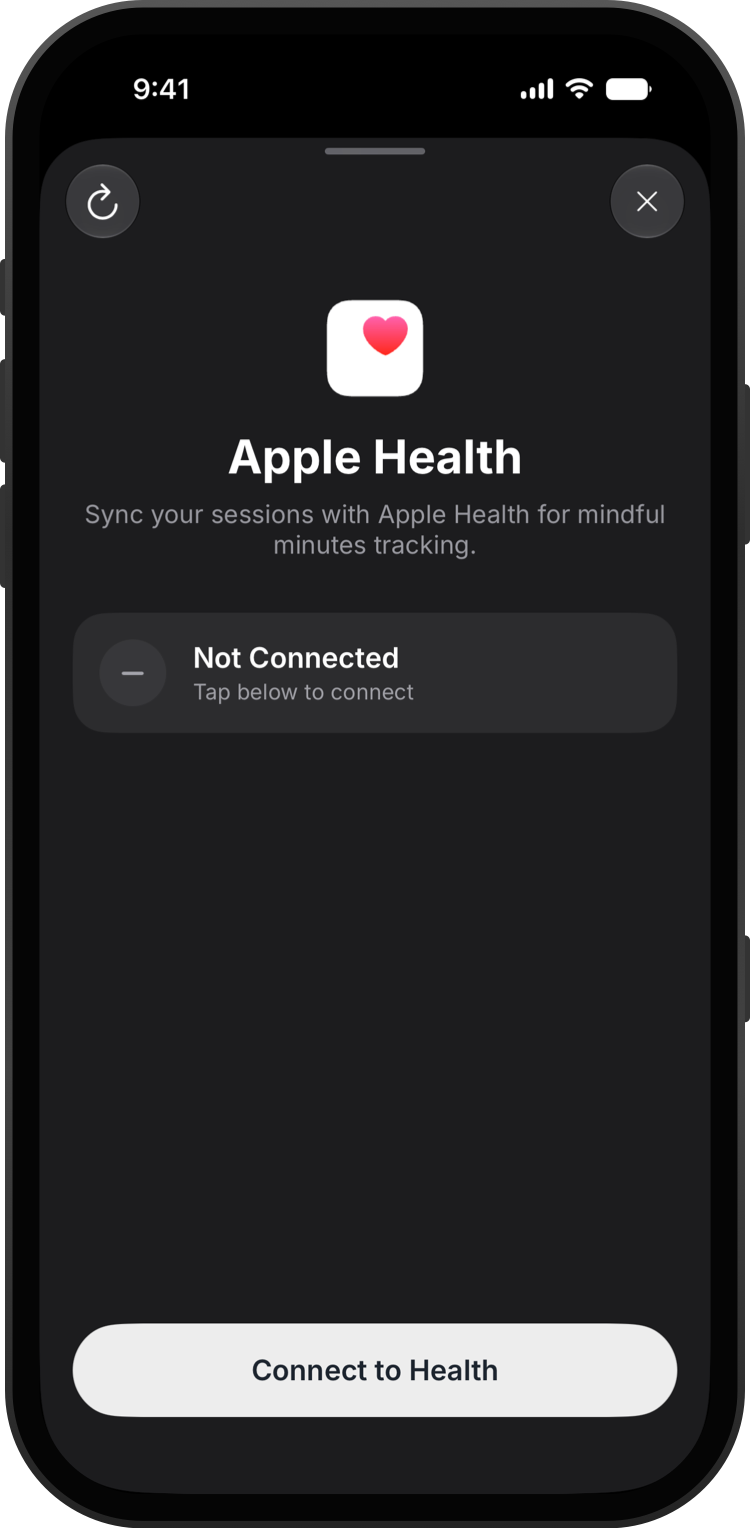
Go to Settings → Sync with Health and tap Connect to Health.
Turn on Mindful Minutes and tap Allow.
Your finished sessions now appear in the Health app under Mental Wellbeing → Mindful Minutes.
Good to know
- To stop sharing, open the Health app, tap your profile, then Apps → Bretho.