Use Siri and Shortcuts
Bretho works with Siri straight away, with nothing to set up. Name an exercise or say what you need.
Just say
- “Start a breathing session in Bretho”
- “Start Box Breathing with Bretho”
- “Help me relax with Bretho”
- “Help me focus with Bretho”
- “Help me sleep with Bretho”
- “Quick breathing session with Bretho”
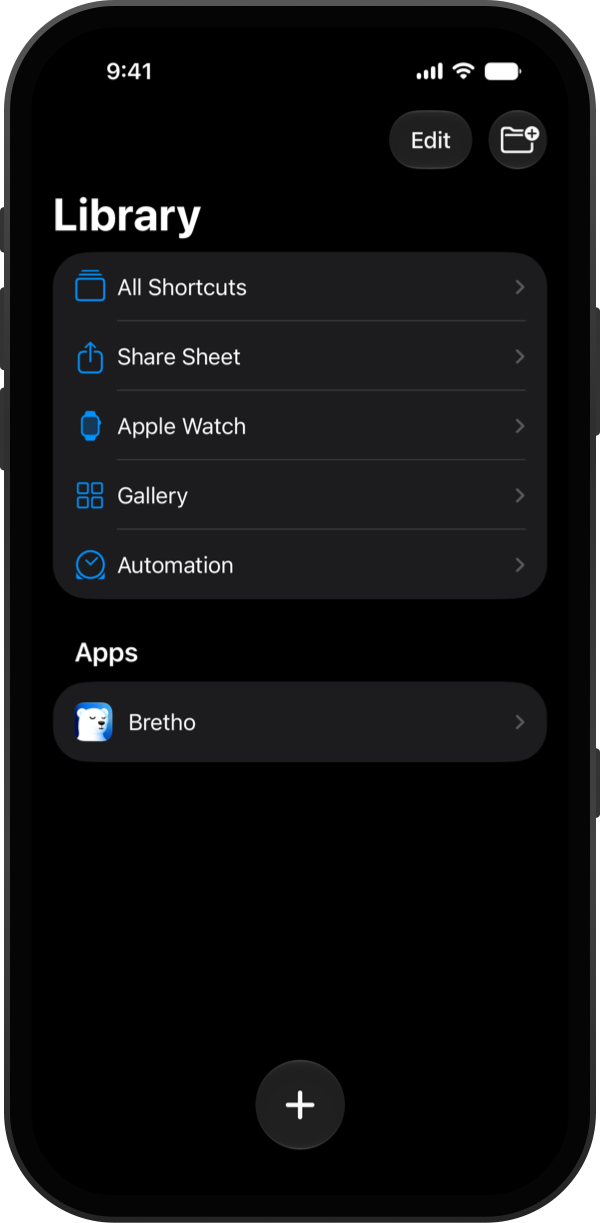
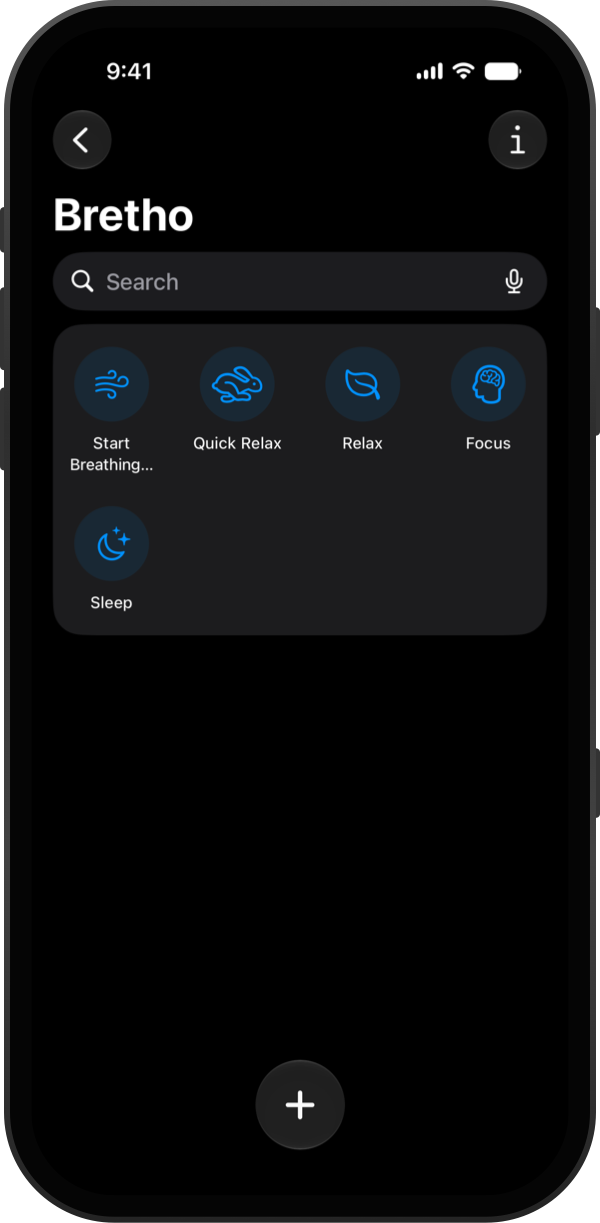
To see everything Bretho can do, open the Shortcuts app and tap Bretho under Apps.
Tap an action to run it, or add it to your own shortcuts and automations, for example to start Sleep breathing when a Sleep Focus turns on.
Good to know
- Siri needs to be turned on in Settings → Apple Intelligence & Siri.