Breathe on Apple Watch
The Bretho Watch app comes with the iPhone app. It guides each breath with gentle haptics and keeps going with your wrist down.
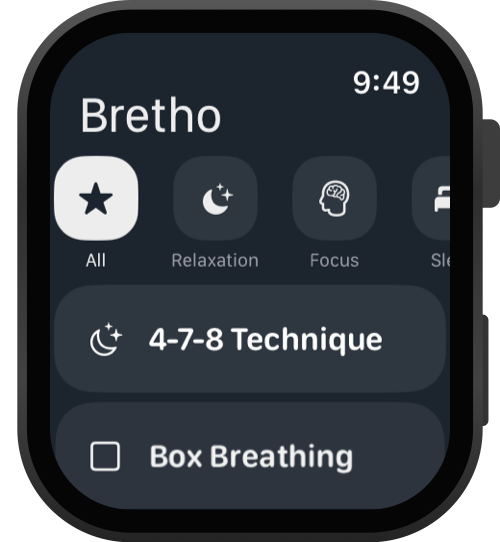
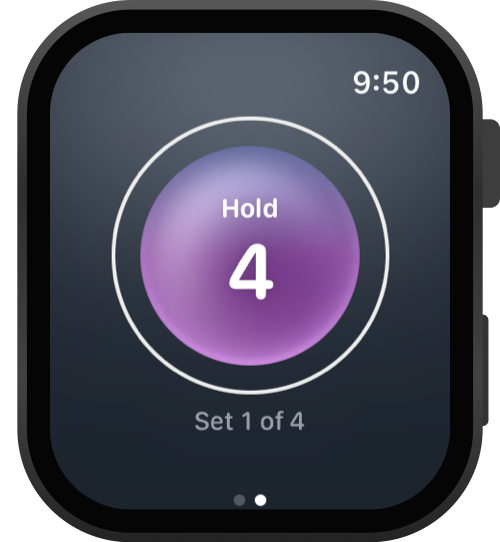
Open Bretho on your Watch and pick an exercise. Use the filters at the top to narrow the list.
Choose how many sets to do and tap Start. Follow the haptics: a rising tap to breathe in, a falling tap to breathe out.
When you finish, the session is saved to your iPhone history and to Apple Health.
Good to know
- Don't see Bretho on your Watch? Open the Watch app on your iPhone, scroll to Available Apps and tap Install next to Bretho.
- Open Bretho on your iPhone once after installing, so your favorites, custom exercises and settings reach your Watch.
- Needs watchOS 10 or later.