Start from Control Center
The Quick Breathing control starts a short session without opening Bretho first. You can add it to Control Center, your Lock Screen or the Action button.
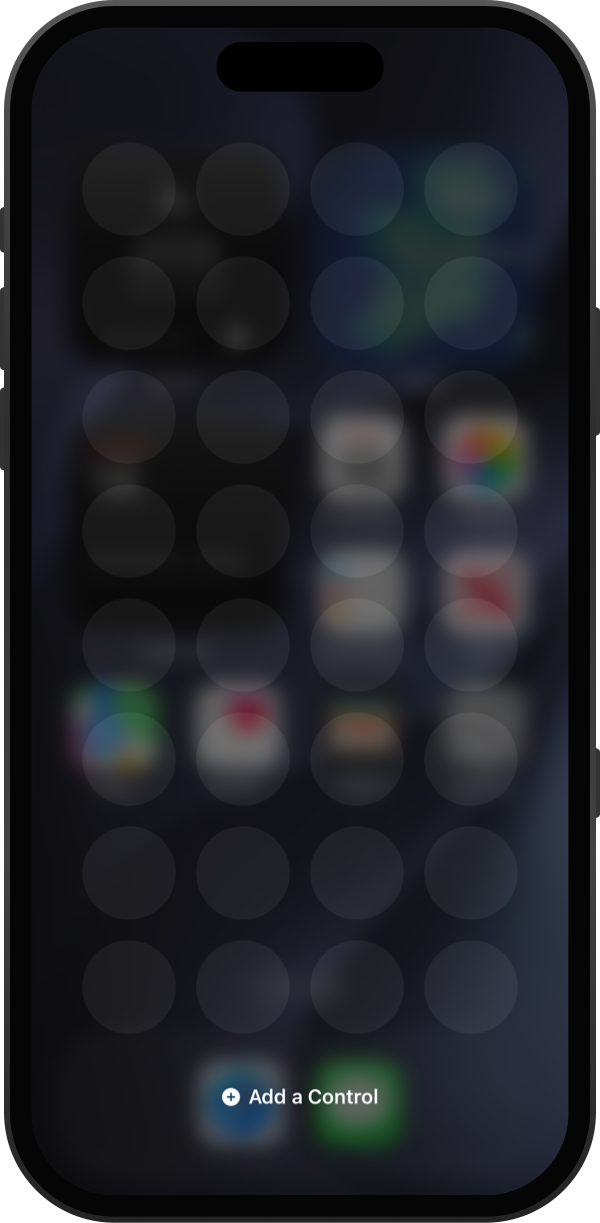
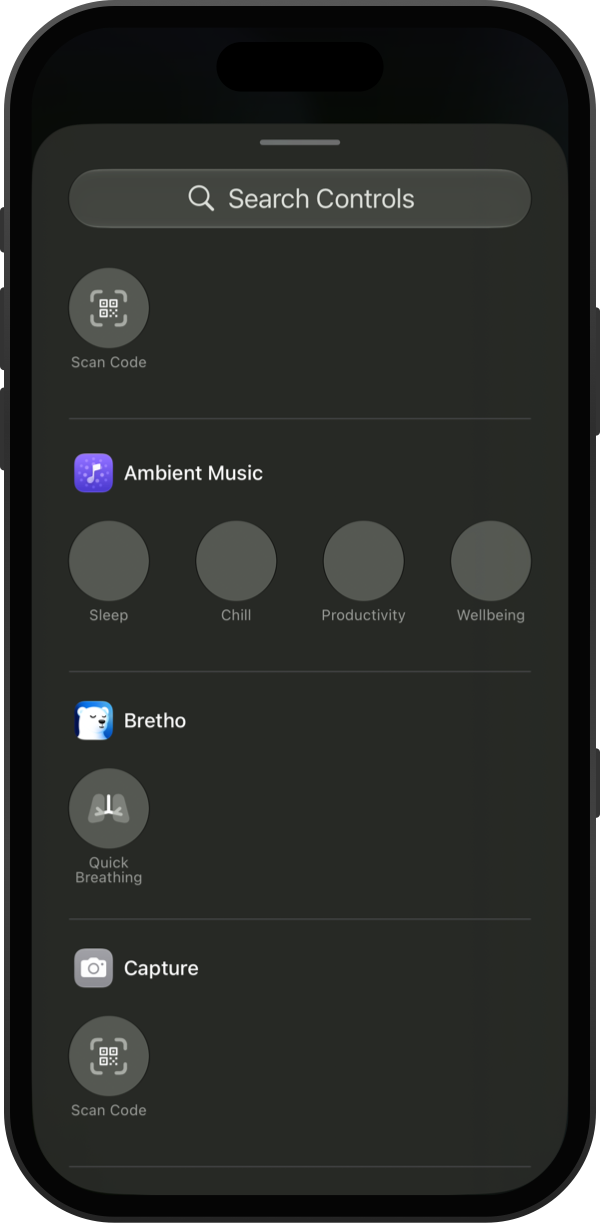
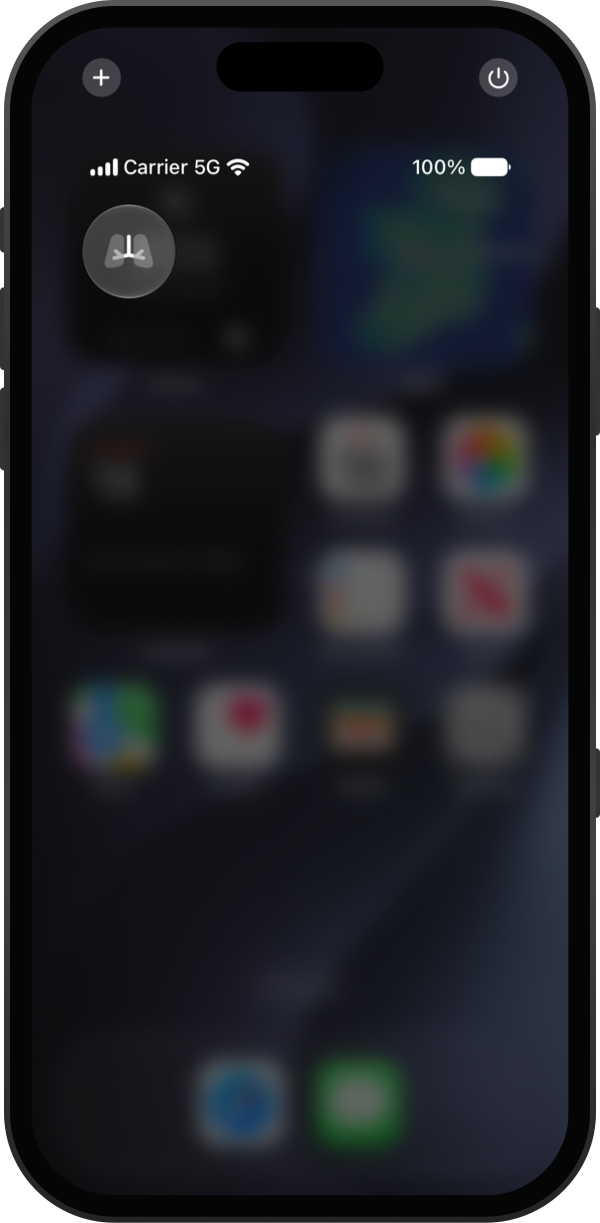
Swipe down from the top-right corner of your screen to open Control Center. Tap + in the top-left corner, then Add a Control.
Find Bretho in the list and tap Quick Breathing.
Tap an empty space to finish. Tap the control whenever you want to breathe.
Good to know
- To put it on your Lock Screen, touch and hold the Lock Screen, tap Customize, then tap a control at the bottom and choose Quick Breathing.
- On iPhones with an Action button, go to Settings → Action Button, choose Controls and pick Quick Breathing.