Add a widget
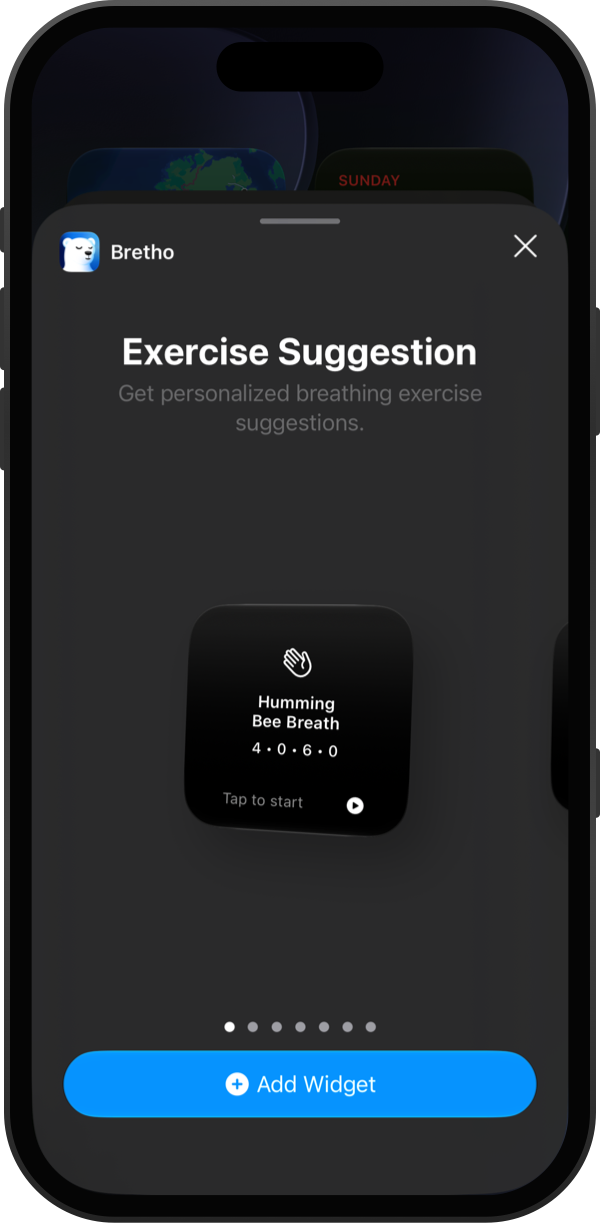
Bretho has three widgets: Exercise Suggestion, which you tap to start an exercise, Breathing Stats for your streak and minutes today, and Weekly Activity for the last seven days.
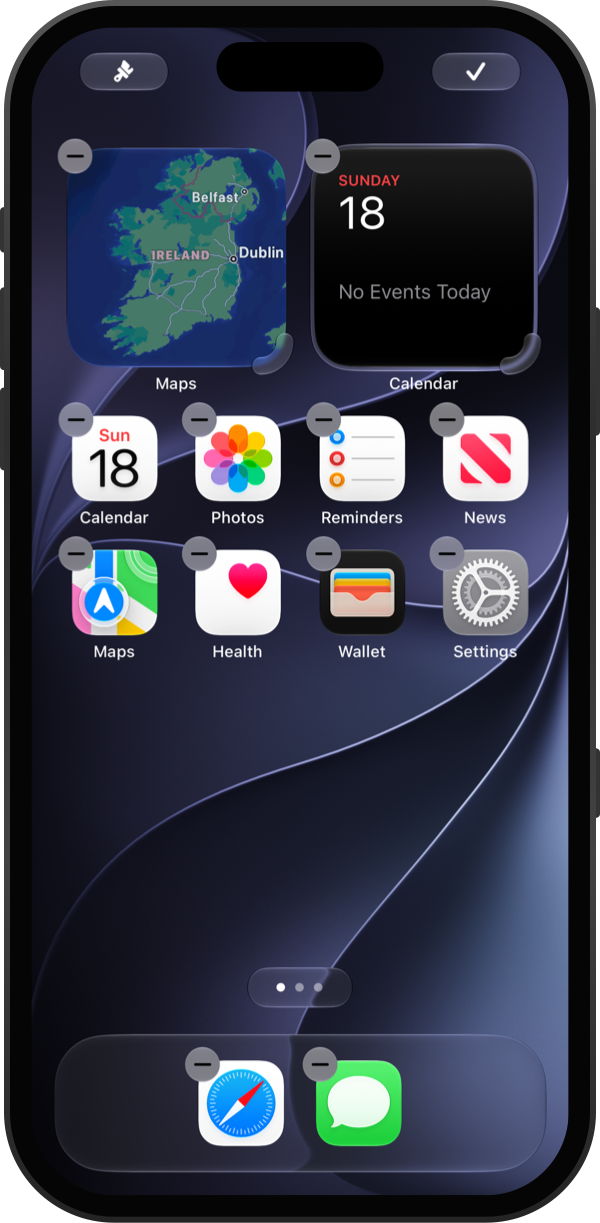
Touch and hold an empty part of your Home Screen until the apps jiggle. Tap Edit in the top-left corner, then Add Widget.
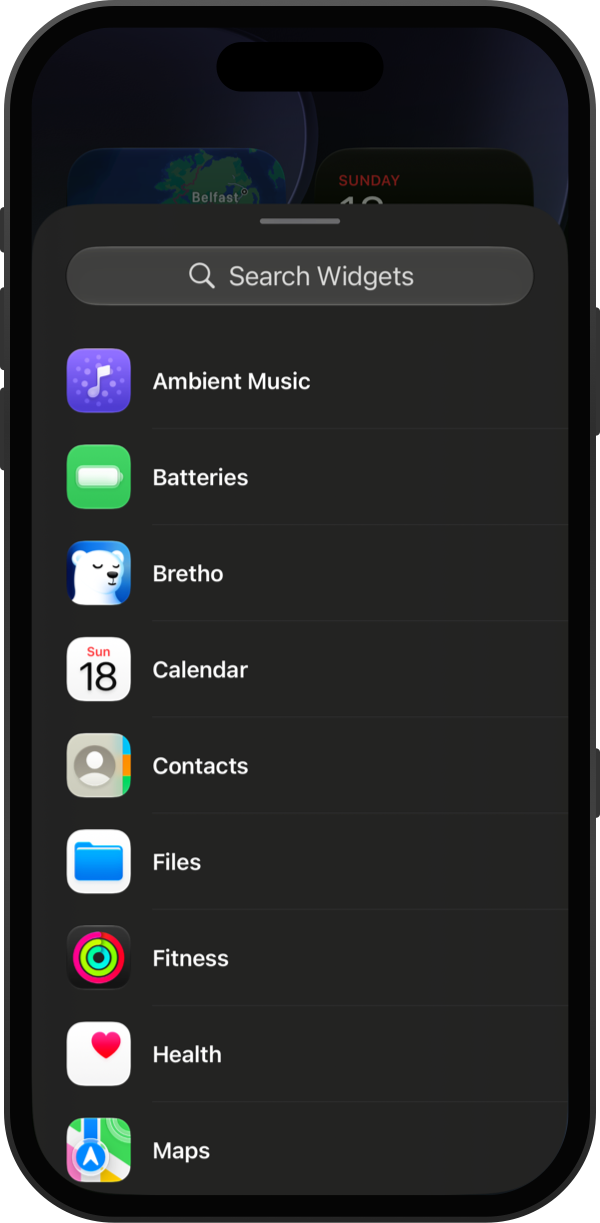
Scroll to Bretho, or search for it, and tap it.
Swipe to pick a widget and size, then tap Add Widget.
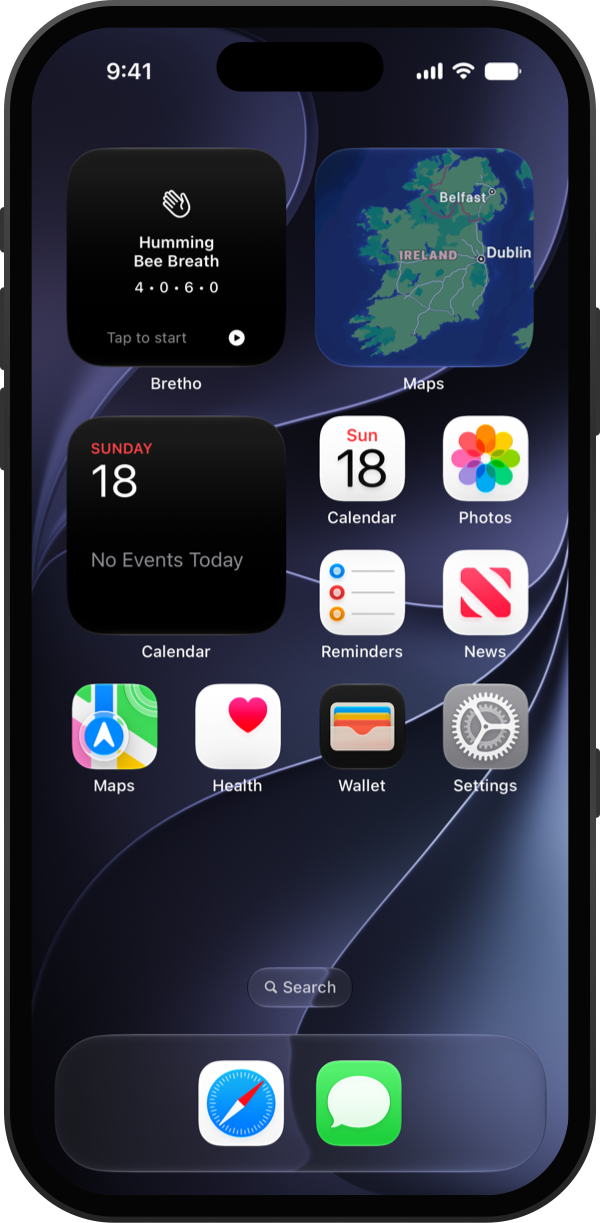
Drag the widget where you want it and tap Done. Tap it any time to start the exercise it suggests.
Good to know
- Add more than one. A Breathing Stats widget next to an Exercise Suggestion works well.