Sync with iCloud
Your session history is always kept in your private iCloud account, so it's on every device signed in to the same Apple Account.
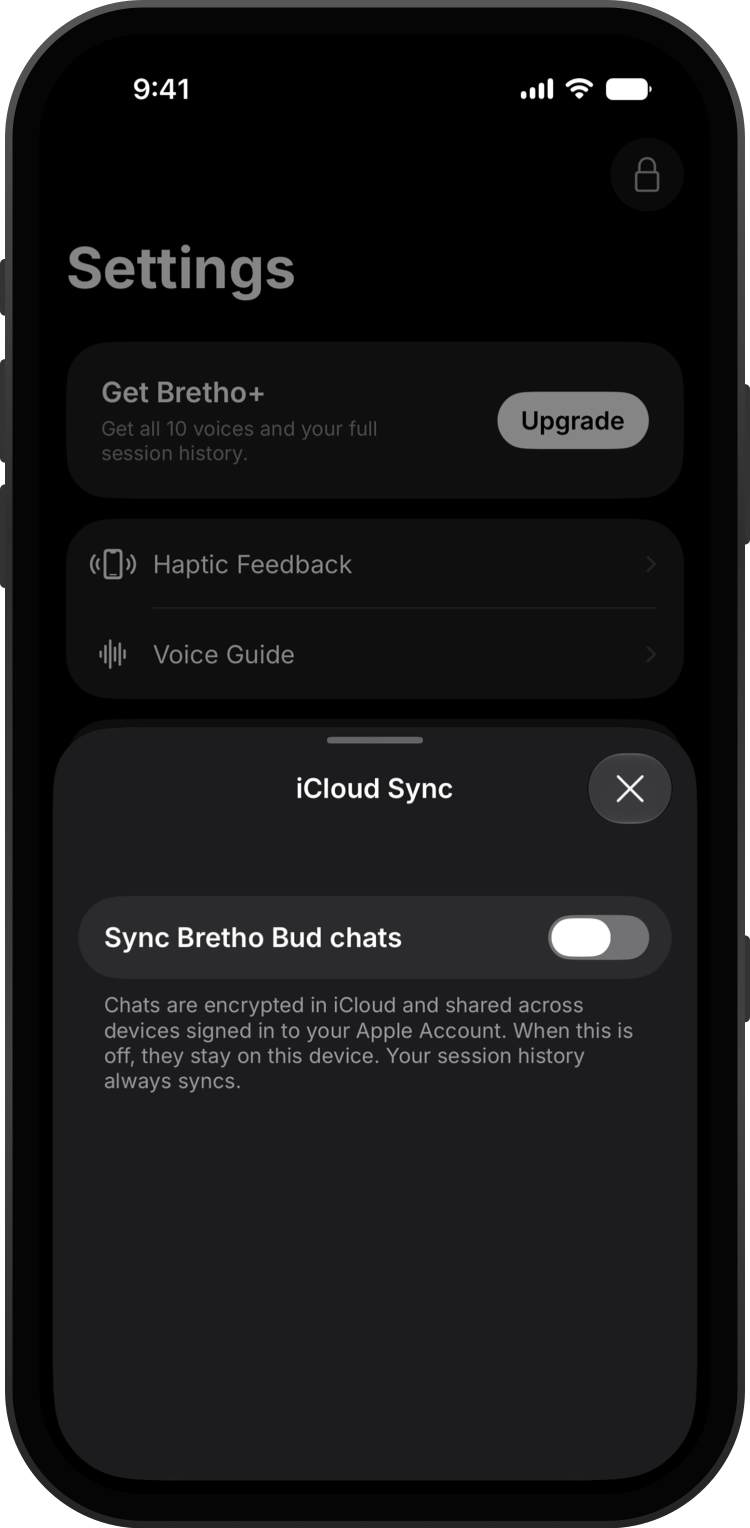
Make sure you're signed in to iCloud in the Settings app on each device.
In Bretho, go to Settings → iCloud Sync to see what's synced.
Turn on Bretho Bud chats if you'd like your chats on your other devices too. They're encrypted in iCloud.
Good to know
- Turning Bud chat sync off keeps your chats on this device. You can also choose to remove the copies in iCloud.