Set daily reminders
Add as many reminders as you like. Each one repeats every day.
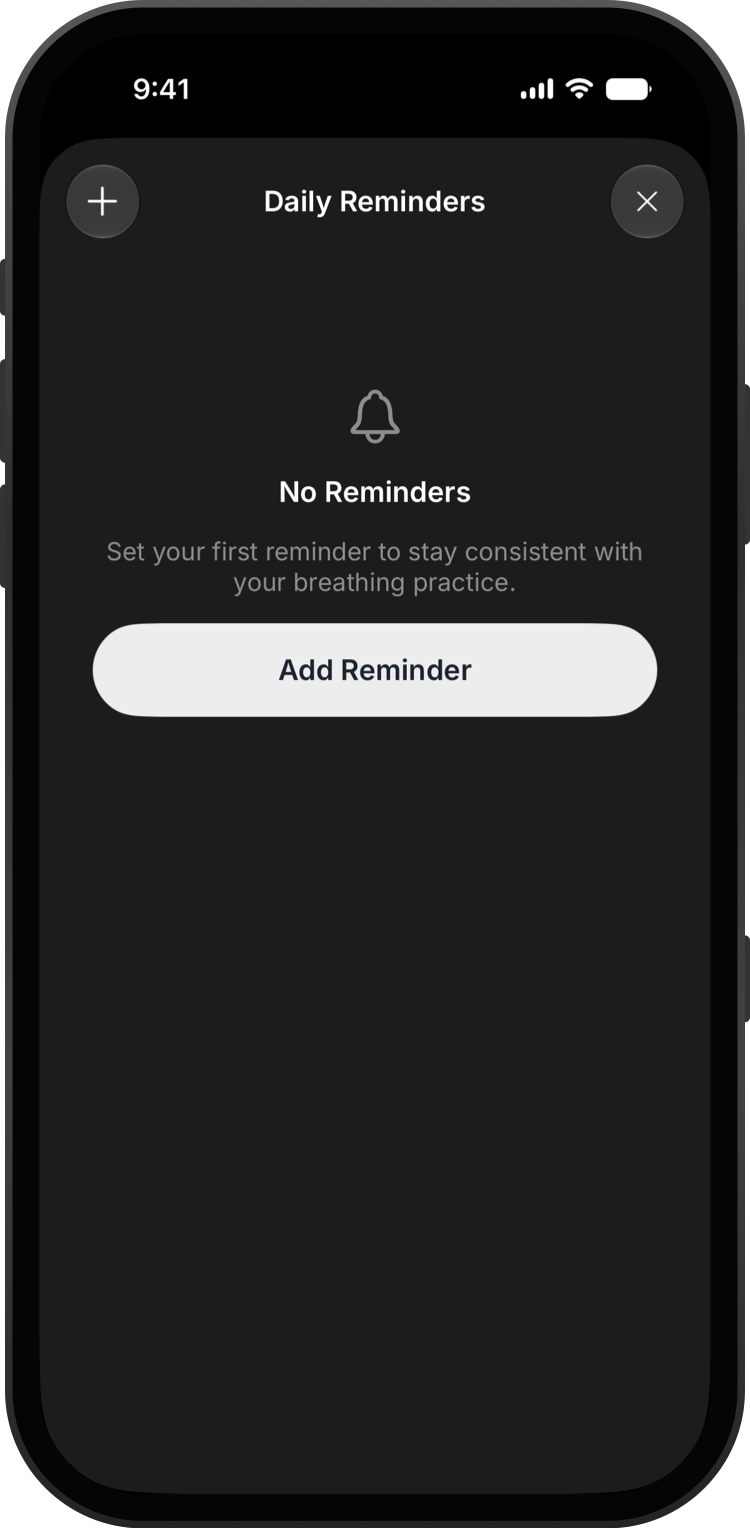
Go to Settings → Daily Reminders.
Tap +, pick a time and save. If Bretho asks to send notifications, tap Allow.
Use the switch next to a reminder to pause it, or swipe left on it to delete it.