Voice, sounds and haptics
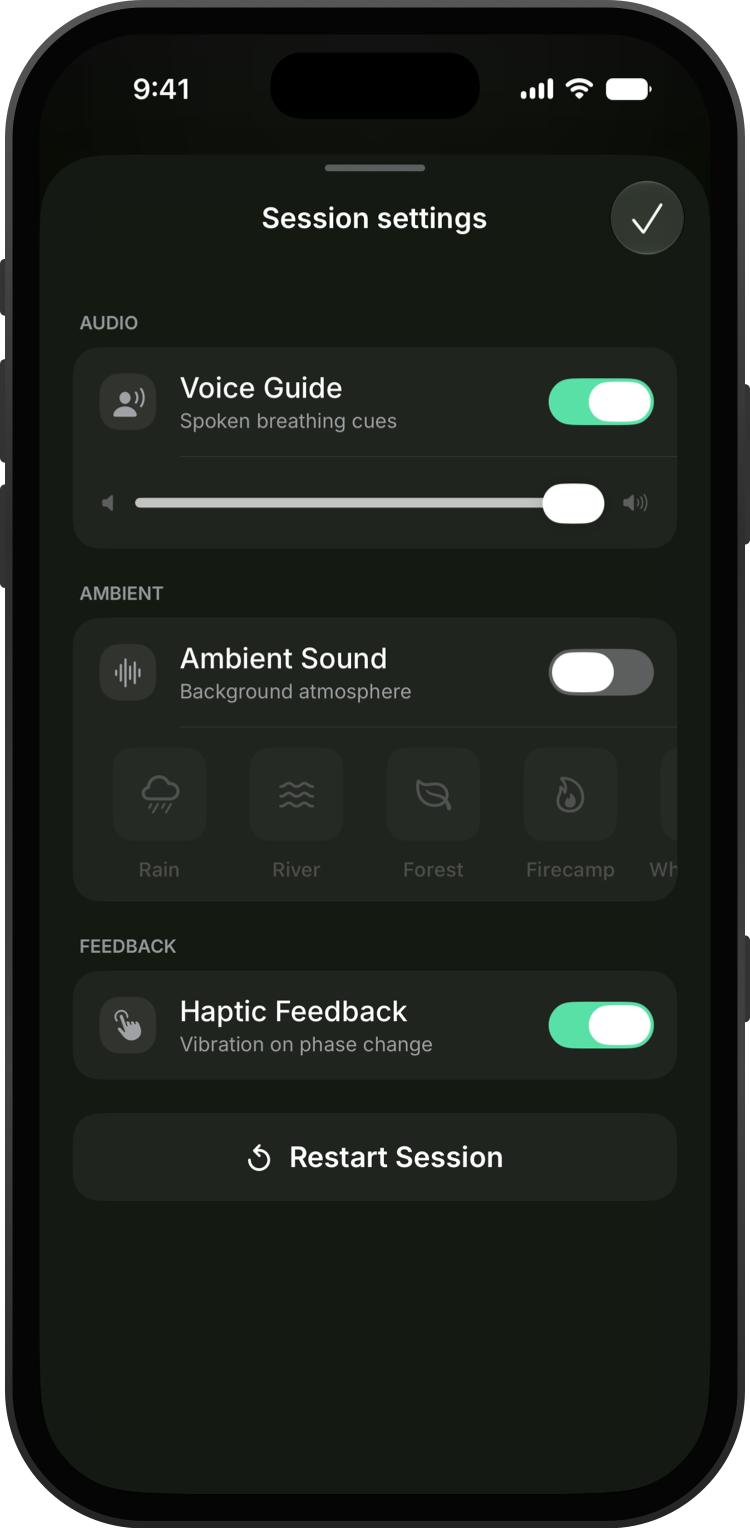
You can change the voice guide, ambient sound and haptics in the middle of a session.
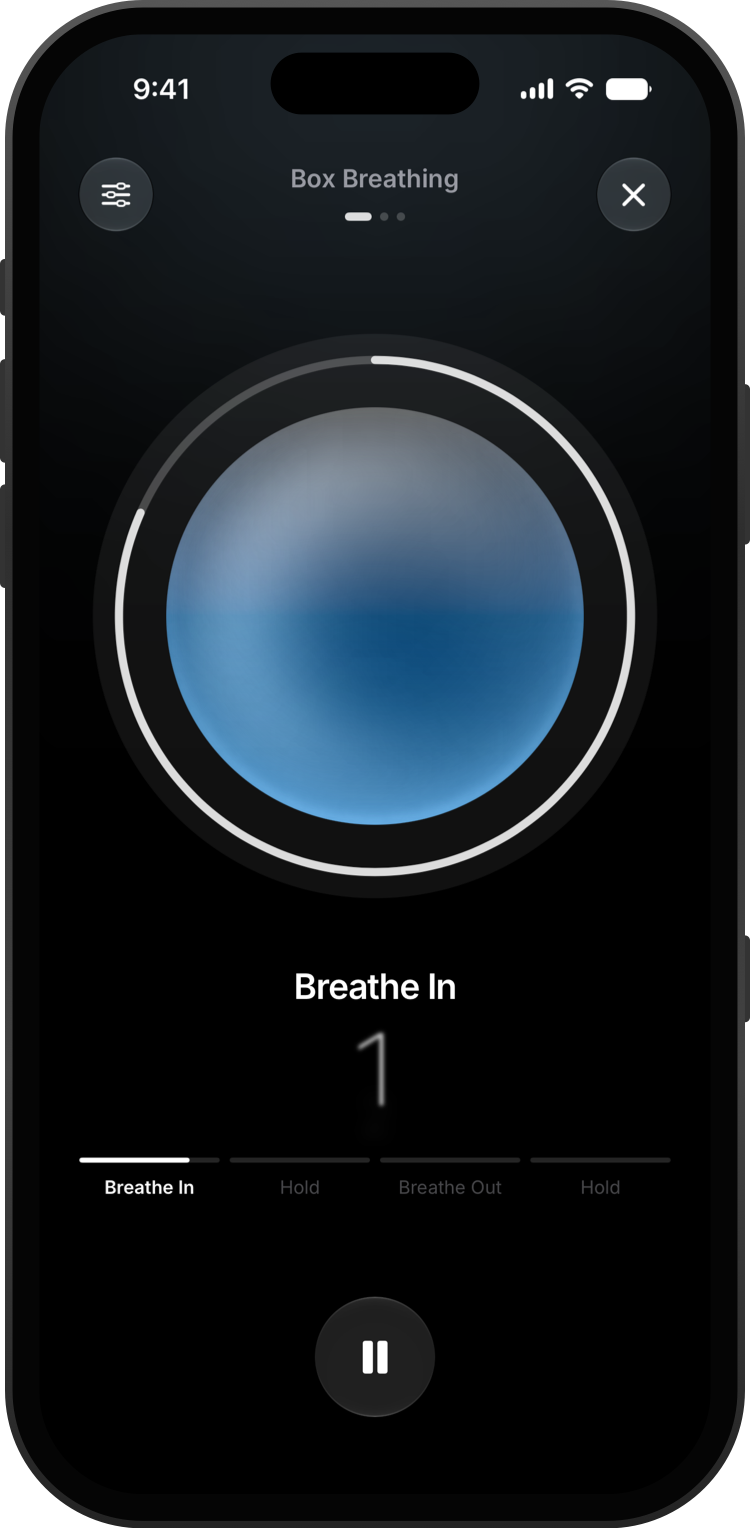
Start any exercise. During the session, tap the sliders button.
Turn the voice guide on or off and set its volume, choose an ambient sound like rain, a river or a campfire, and turn haptic feedback on or off.
Tap Done to carry on breathing. To choose a different voice or tune the haptics for each phase, go to Settings → Voice Guide or Settings → Haptic Feedback.